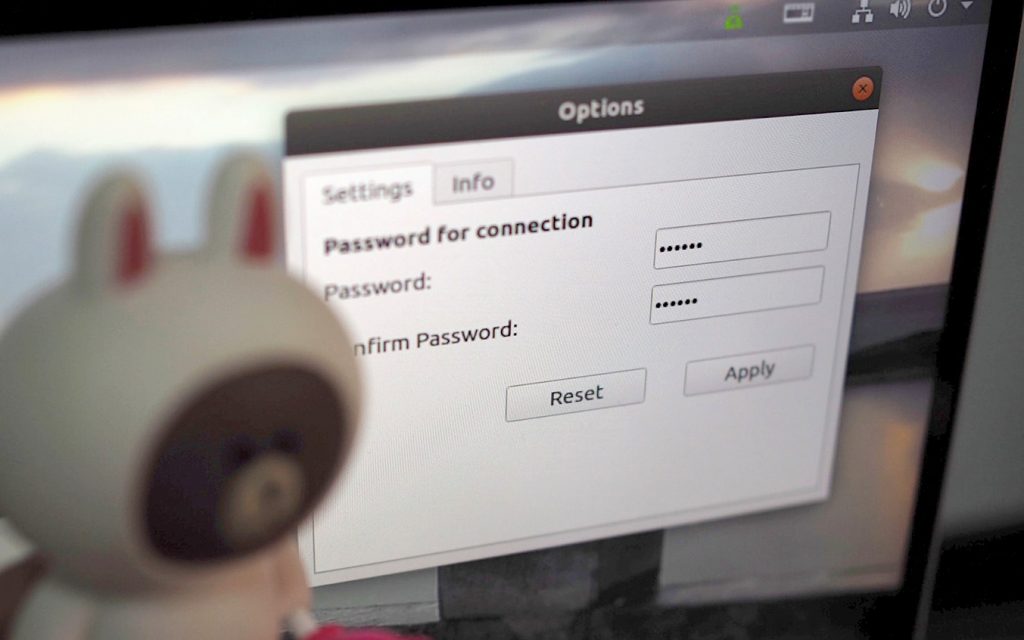
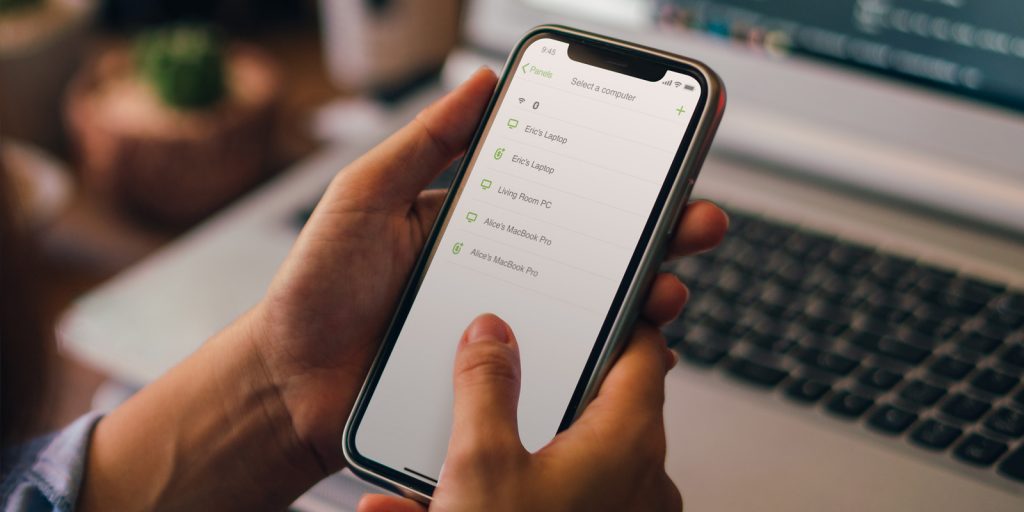
We’ve spent many hours reworking the Linux version of Remote Mouse to bring it to a more stable and usable state.
This release is currently compatible with Ubuntu 18 through 22. While support is limited to these versions for now, we’re continuing to improve compatibility and are working toward supporting more devices, including Steam Deck, in the future.
This new Linux version introduces a set of foundational improvements, including:
Remote Mouse now supports a new, more resilient way of connecting computers: Bluetooth Connectivity.
This new option is especially useful when Wifi signals are are unstable, cause latency, or are simply unavailable. While Wifi remains our top recommendation connection method due to its stability, hardware compatibility, and wider range, Bluetooth offers a reliable fallback in challenging network conditions.
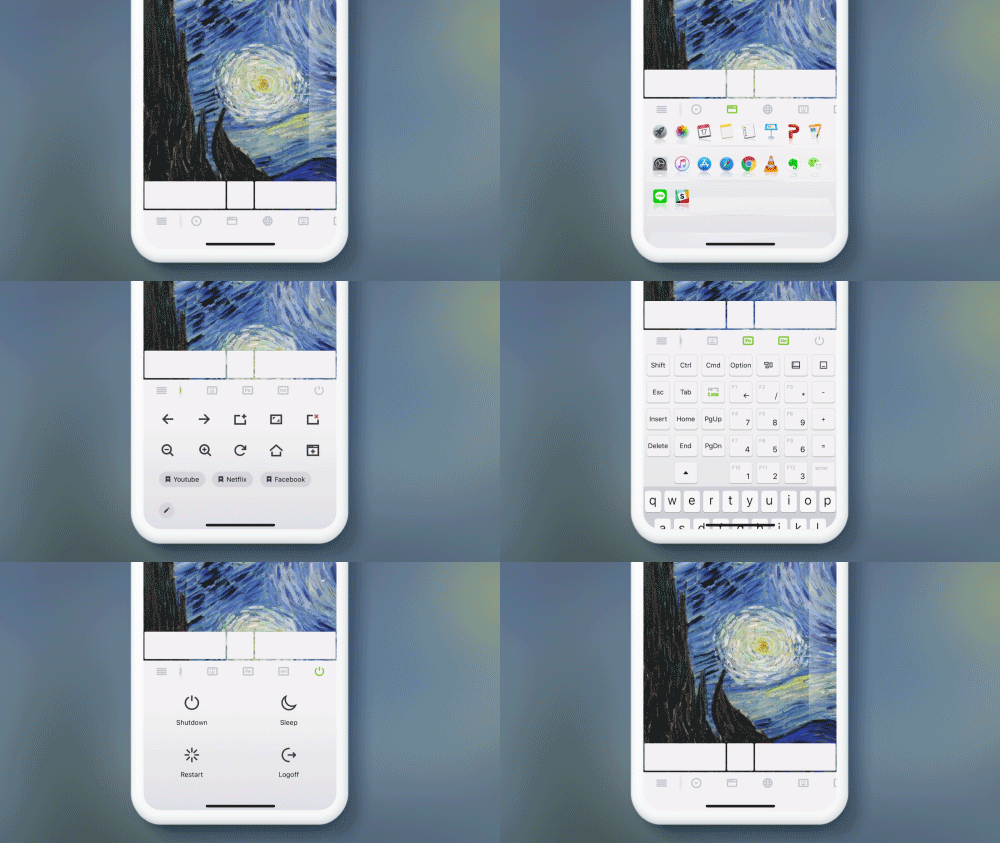
Controlling a computer with a virtual remote can be a hassle when compared to using a physical mouse and keyboard. This is where Remote Mouse’s specialty control panels come in. These panels are designed to give you quick access to common actions that would otherwise require multiple steps, making computer control on small screens faster and more practical.
One-Tap to Switch, Show, or Hide Panels
Tap an icon on the panel control bar to show a panel. Tap it again to hide it.
The panel control bar is fully slidable, allowing each icon to be large enough to match the size of your fingertips. This makes it easier to perform actions with a single tap, such as shutting down your computer. The sliding design also leaves room for additional panels in the future, ensuring the interface can evolve without becoming crowded.
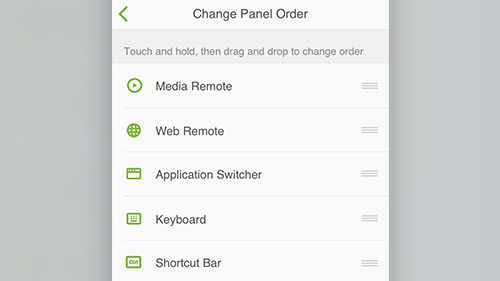
Customize Your Panel Order
Tap the menu icon on the panel control bar, go to Settings, then select “Change panel order”.
With the latest version of Remote Mouse, you can rearrange the specialty panels and customize your interface to your liking. By placing frequently used panels within easy reach, you can create a more efficient and personalized control layout, tailored to how you use your computer.