Remote Mouse Now Supports Dark Mode on iPhone and Android

December 8, 2025 in What's New

iPhone and Android devices showing Remote Mouse switching between Light Mode and Dark Mode.

We’re launching Dark Mode for Remote Mouse on both iPhone and Android. The app now adapts to your device’s appearance settings or follows your preferred theme manually.

More Comfortable, Modern, and Easy on the Eyes

Dark Mode reduces glare in low-light environments, improves readability, and blends naturally into night-time use. The UI has been fully optimized for both light and dark themes across iOS and Android.

In Settings → General → Appearance, you can select:

  • System Default
  • Light Mode
  • Dark Mode
Continue reading »

Breaking Platform Barriers with Cross-Device Copy & Paste

February 22, 2023 in What's New

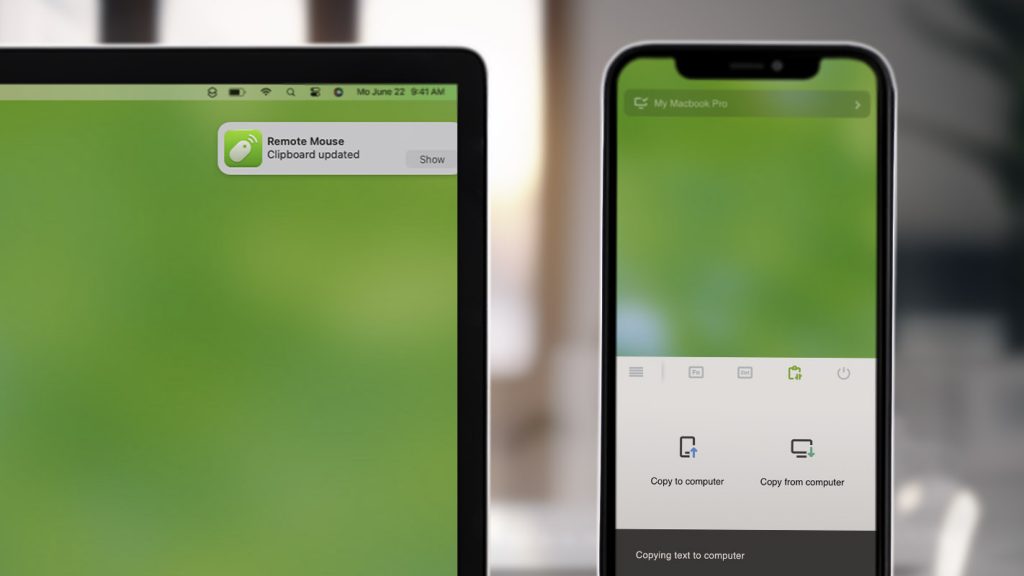
Remote Mouse’s new feature lets you copy and paste between your computer and mobile device, regardless of the platform. You can seamlessly transfer text or image between a Windows computer and an iPhone, or a MacBook and an Android tablet. This cross-device clipboard synchronization feature offers a practical solution for those who frequently switch between different devices and platforms.

We hope this new feature enhances your productivity and makes your Remote Mouse experience even better.

Note: To have this feature work correctly, please ensure that both your computer and mobile device have the latest version of Remote Mouse installed.

Support for Steam Deck!

February 2, 2023 in What's New

Last year, we were all thrilled about the release of Steam Deck, which revolutionized the mobile gaming platform with its extensive game library, compatibility with multiple platforms, and the ability to server as a portable computer. And today, we’re also excited to announce that the Linux version of Remote Mouse now supports Steam Deck.

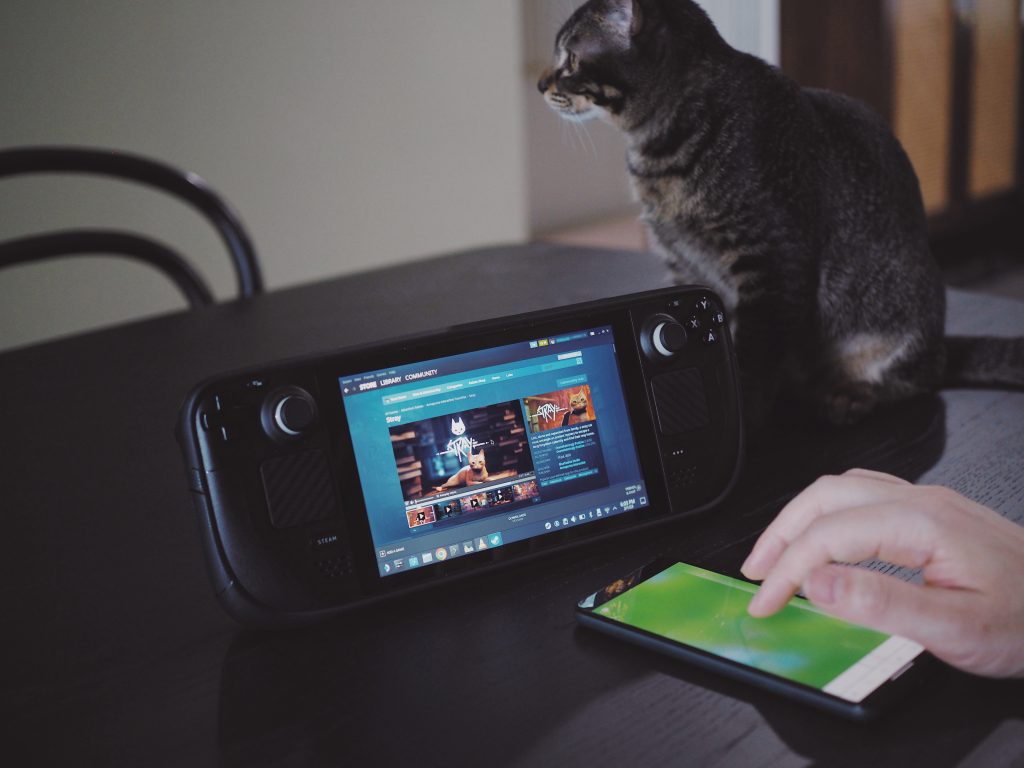
Now with Remote Mouse, you can use your mobile device as a mouse, keyboard, and touchpad for your Steam Deck in Desktop Mode, enhancing your computing experience on the go. Whether you’re sitting on the couch, traveling, or working from a coffee shop, you can now connect your mobile device to your Steam Deck for a seamless computing experience.

Download now to experience the full potential of your Steam Deck!

New Linux Version Released!

December 14, 2022 in What's New

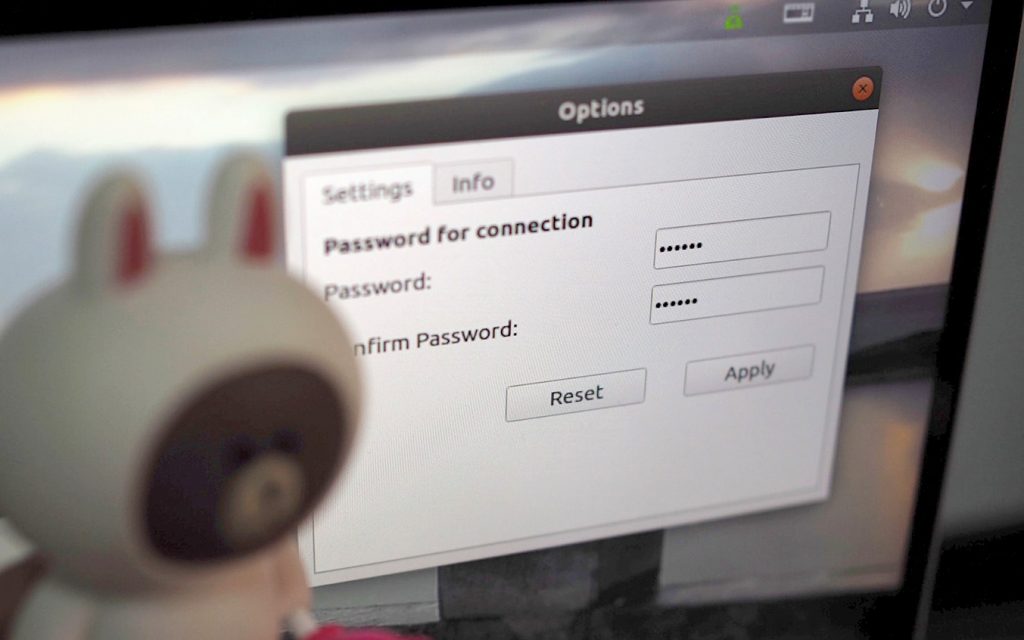
We have spent many hours re-engineering the Linux version of Remote Mouse to make it better then ever before. It is currently compatible with Ubuntu 18-22, and we are working hard to bring support for more devices such as Steam Deck in the near future.

We have added a variety of new features in this version, including an improved user interface, faster performance and better compatibility with a wide range of devices. Download now and let us know what you think!

Wi-Fi or Bluetooth?

July 17, 2021 in What's New

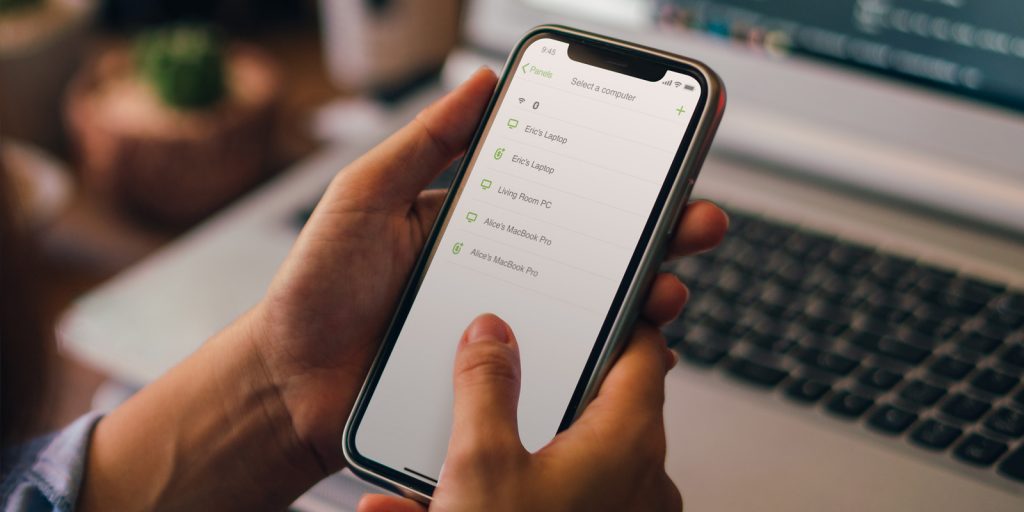
Remote Mouse now supports a new, more resilient way of connecting computers – Bluetooth. This new option is especially useful when Wifi signals are poor and cause latency, or when Wifi is not available. While Wifi remains our top recommendation for its stability, hardware compatibility, and broad signal coverage, Bluetooth provides a reliable alternative in these challenging circumstances.

Please note that there are hardware requirements for computers to connect via Bluetooth.

Windows users must have Windows 10 Creators Update (version 1703) or later, and your PC must have built-in Bluetooth. If an external Bluetooth (a USB Bluetooth dongle) is used, only the model BT851 by Laird is supported. Most Mac computers, excluding some older models, support Bluetooth connection without issue.

For the best experience, make sure that both the desktop and mobile versions of Remote Mouse are up to date and take advantage of the latest Advanced Connectivity feature.