Control YouTube, Netflix & More with Media Remote

March 31, 2026 in What's New

Media Remote in Remote Mouse has been quietly upgraded. The interface hasn’t changed, but what it can control has expanded a lot.

Before, it mainly worked with a few desktop apps like VLC, iTunes, and presentation tools like Keynote or PowerPoint. Now, it works across desktop players, browsers, streaming platforms in a much more flexible way.

1. Browser Video

The biggest change is how Media Remote works in the browser. You can now control videos on platforms like:

  • YouTube
  • Netflix
  • Disney+
  • Prime Video
  • Bilibili
  • Twitch

Open any video, and it just works. No extra setup required. Behind the scenes, Remote Mouse detects the active video player, automatically focuses it, and sends the right control commands.

2. Desktop Media

Local apps are still the most stable scenario, and they remain supported. Common players include:

  • VLC
  • IINA
  • Spotify
  • iTunes
  • Infuse

Playback, pause, and volume control are handled directly, responsiveness is consistent and predictable.

3. Presentations
Presentation support for Keynote and PowerPoint remains unchanged. You can move between slides and toggle black or white screen when needed.

4. Volume Buttons

Your phone’s volume buttons can act as controls, depending on what you’re doing, they can:

  • Adjust system volume
  • Move slides forward/backward

This is one small feature but surprisingly useful. No need to look down at your phone, you can operate it entirely by touch, similar to using a physical remote.

Tools follow usage patterns over time. Media consumption has largely moved into the browser, not just streaming, but also live content and short videos. This update is simply a response to that shift. But it’s still only a step.
New Year, New Remote Mouse Desktop Helper 🎉

January 1, 2026 in What's New

Hello there,

How are you welcoming the New Year on your side of the world?

Are you counting down in the streets 🎆, hiking somewhere quiet 🥾, sharing a meal with friends 🍽️, or simply staying home with family?

Whether today feels special or just like an ordinary day, I hope this first day of the year finds you relaxed and in good spirits.

A Major Update to Remote Mouse Desktop Helper

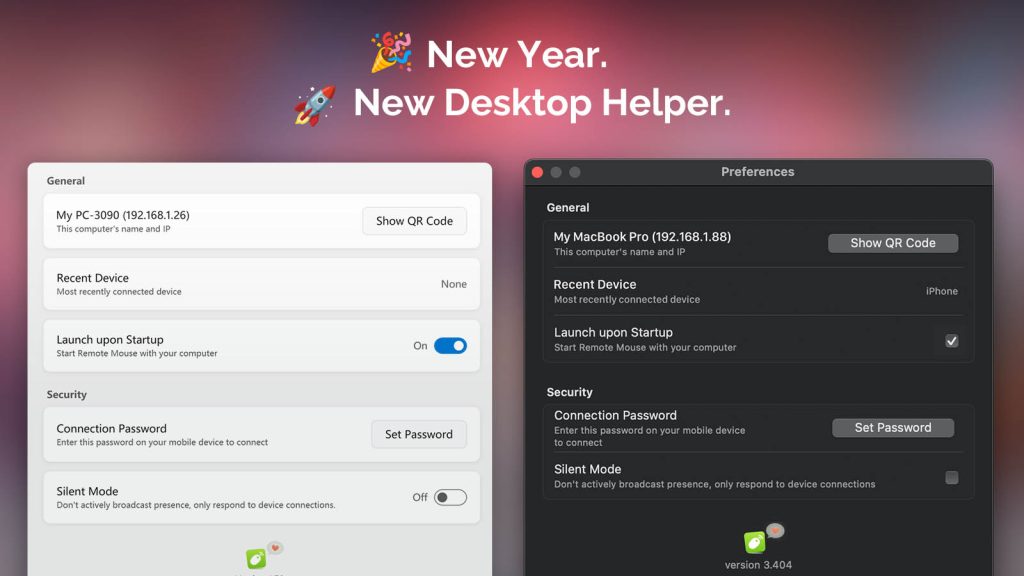
As the year came to a close, Remote Mouse Desktop Helper received a major update for both Windows and macOS:

  • 🧩 A cleaner, more compact UI that makes options easier to find
  • 🎨 Visual refinements that better match the latest Windows 11 and macOS design trends
  • 🌍 Added multi-language support (with more languages coming soon)
  • ⌨️ Bug fixes that improve keyboard input and overall stability
  • 🔐 A new encryption mechanism for better security and reliability

Moving Forward, Together

The world is changing at an incredible pace, and Remote Mouse needs to evolve faster and smarter to keep supporting your daily workflow.

Thank you for being here. I hope we continue this journey together in the new year.

👉 Download the latest Remote Mouse Desktop Helper here.

Yao, Developer of Remote Mouse
Madrid · January 1, 2026

Remote Mouse Now Supports Dark Mode on iPhone and Android

December 8, 2025 in What's New

iPhone and Android devices showing Remote Mouse switching between Light Mode and Dark Mode.

We’re launching Dark Mode for Remote Mouse on both iPhone and Android. The app now adapts to your device’s appearance settings or follows your preferred theme manually.

Dark Mode reduces glare in low-light environments, improves readability, and keeps the UI comfortable on any screen. In SettingsGeneralAppearance, you can choose:

  • System Default
  • Light Mode
  • Dark Mode
Continue reading »

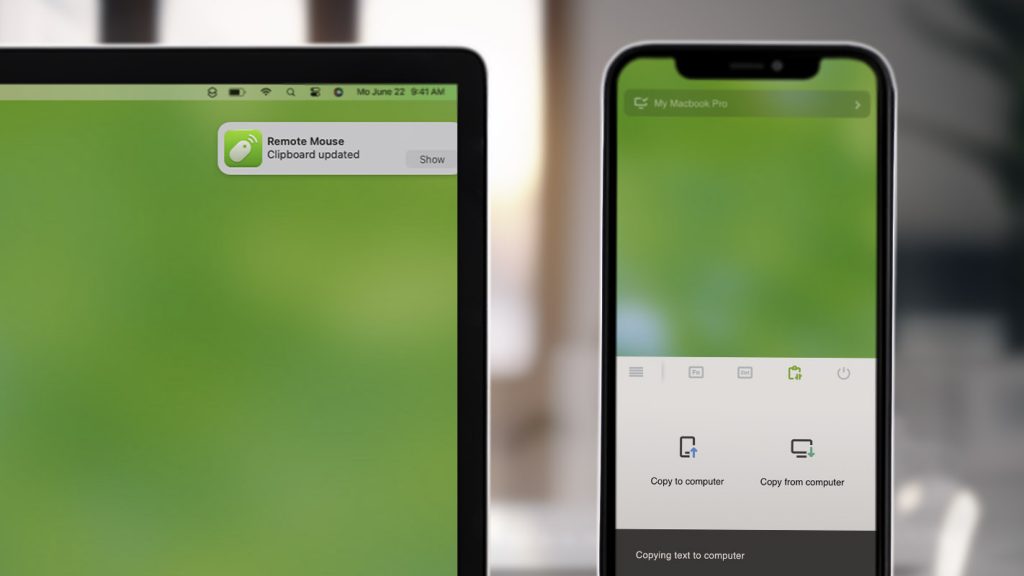
Copy & Paste Between Phone and Computer Without Limits

February 22, 2023 in What's New

Apple introduced Universal Clipboard in 2016 (as part of iOS 10 and macOS Sierra), making it possible to copy and paste content seamlessly between Apple devices like Mac, iPhone, and iPad.

Now, Remote Mouse brings this experience even further.

With the new Cross-Device Copy & Paste feature (sometimes called Clipboard Sync), you can copy and paste text or images effortlessly between your computer and your phone. And unlike system-level solutions, Remote Mouse breaks platform boundaries:

  • Copy from Android and paste to Mac
  • Copy from Windows PC and paste to iPhone or iPad
  • Copy from phone to computer, or the other way around

No ecosystem lock-in. Just copy and paste.

Continue reading »

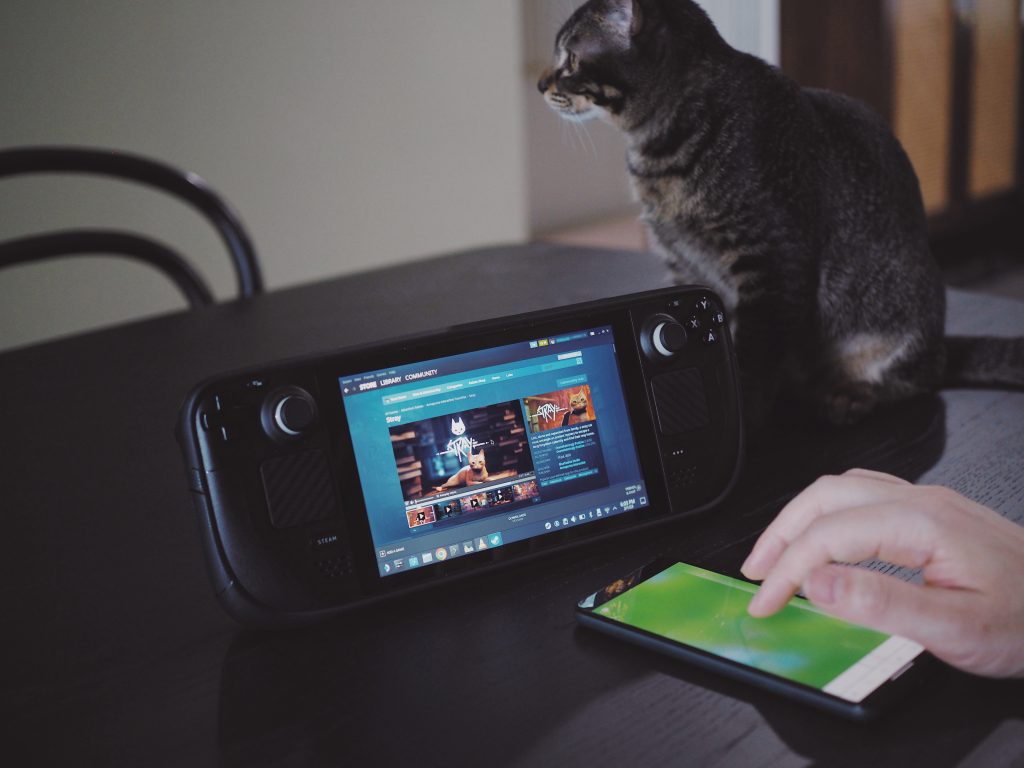
Remote Mouse for Steam Deck! Meow 😺

February 2, 2023 in What's New

When Steam Deck was released, it quickly stood out as more than just a handheld gaming device. With its vast game library, cross-platform compatibility, and full Linux desktop mode, Steam Deck can also function as a portable computer.

However, using Desktop Mode with the built-in controls is not always ideal. While the joysticks and trackpads are powerful for gaming, they can feel awkward and limiting when navigating desktop interfaces, selecting text, or performing precise mouse actions.

That’s where Remote Mouse comes in.

Continue reading »

New Linux Version Released

December 14, 2022 in What's New

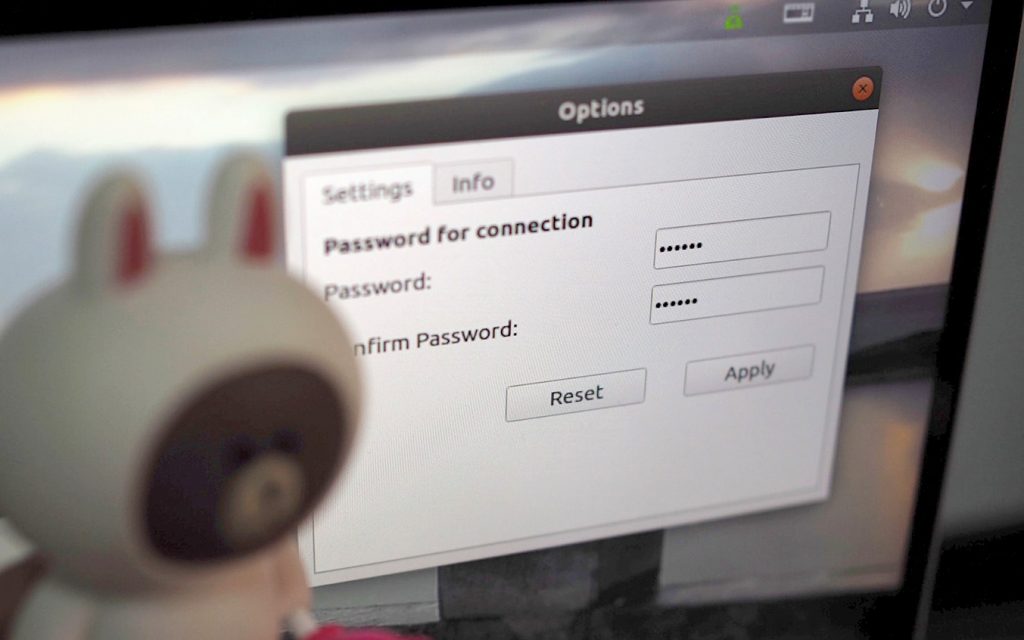
We’ve spent many hours reworking the Linux version of Remote Mouse to bring it to a more stable and usable state.

This release is currently compatible with Ubuntu 18 through 22. While support is limited to these versions for now, we’re continuing to improve compatibility and are working toward supporting more devices, including Steam Deck, in the future.

This new Linux version introduces a set of foundational improvements, including:

  • A refined user interface
  • Improved performance
  • Better compatibility across supported devices
Continue reading »

Wi-Fi or Bluetooth? Choosing the Best Connection for Remote Mouse

July 17, 2021 in What's New

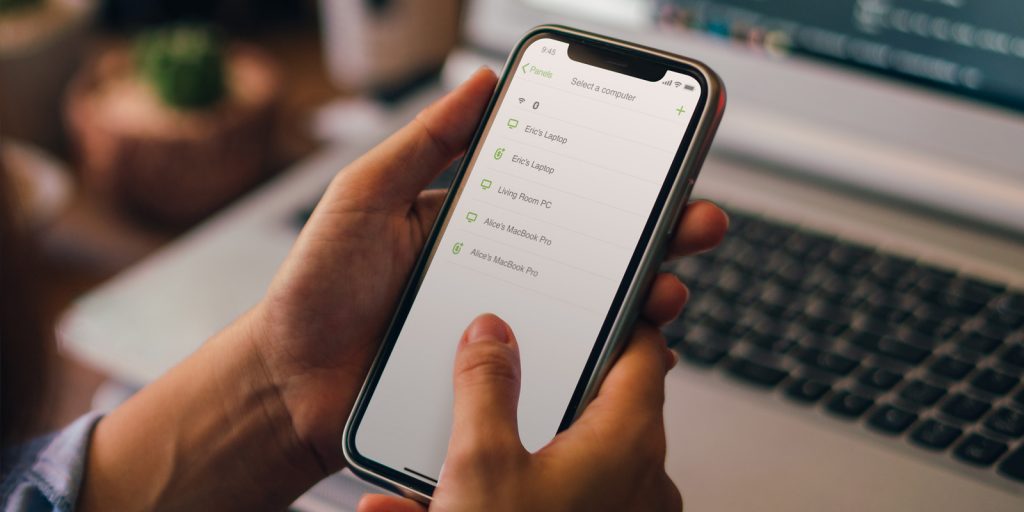
Remote Mouse now supports a new, more resilient way of connecting computers: Bluetooth Connectivity.

This new option is especially useful when Wifi signals are are unstable, cause latency, or are simply unavailable. While Wifi remains our top recommendation connection method due to its stability, hardware compatibility, and wider range, Bluetooth offers a reliable fallback in challenging network conditions.

Continue reading »