When Steam Deck was released, it quickly stood out as more than just a handheld gaming device. With its vast game library, cross-platform compatibility, and full Linux desktop mode, Steam Deck can also function as a portable computer.
However, using Desktop Mode with the built-in controls is not always ideal. While the joysticks and trackpads are powerful for gaming, they can feel awkward and limiting when navigating desktop interfaces, selecting text, or performing precise mouse actions.
That’s where Remote Mouse comes in.
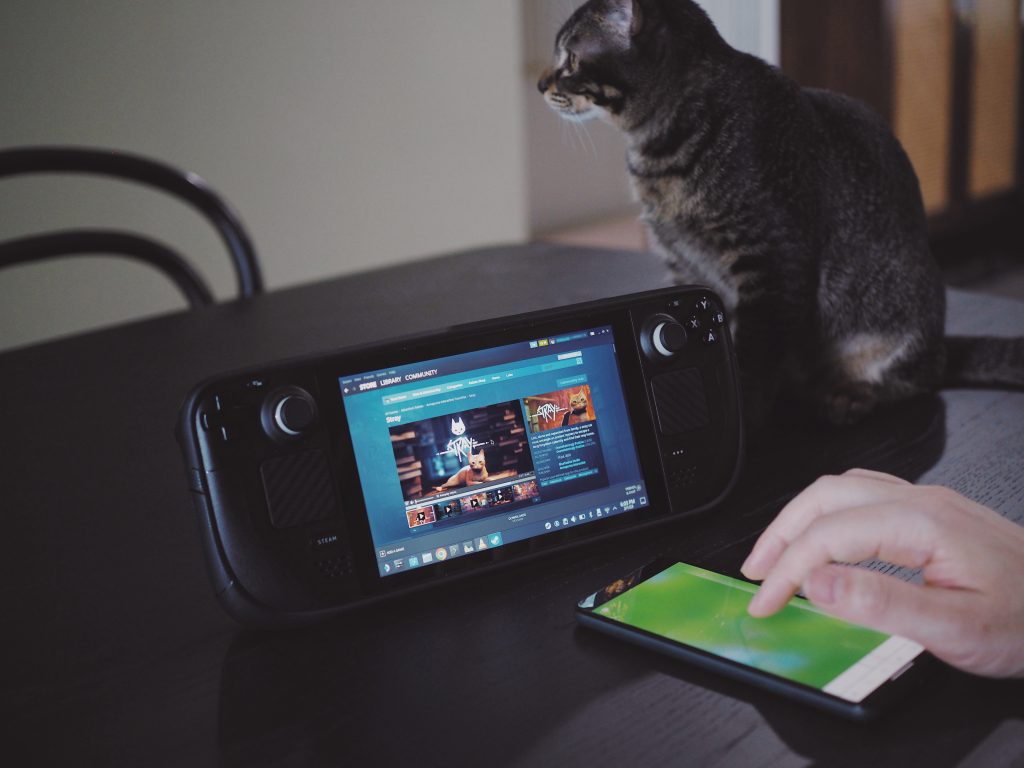
🎮 A Better Way to Control Steam Deck Desktop Mode
With the Linux version of Remote Mouse, Steam Deck is now supported as a target device.
Remote Mouse allows you to use your phone as a mouse, keyboard, and touchpad, giving you far more freedom and precision when working in Desktop Mode. Tasks like browsing, file management, text selection, or general system navigation become much more natural compared to using the built-in controls alone.
Instead of adapting your workflow to handheld controls, you can interact with Steam Deck the way you would with a real computer.
🎨 Designed for Real-World Use
Whether you’re:
- Sitting on the couch
- Traveling
- Working from a coffee shop
Remote Mouse makes it easier to use Steam Deck as a portable desktop system, without carrying an external mouse or keyboard.
Simply connect your mobile device and enjoy a more flexible and comfortable desktop experience on Steam Deck.
👉 Download Remote Mouse now and unlock a more efficient way to use your Steam Deck!
😺 Behind the Scenes
The kitten in the photo is QiuQiu (pronounced “choo-choo”). About two months ago, it showed up in the garage downstairs, loudly meowing at everyone passing by for food. Now, QiuQiu has officially joined us as our Chief Development Supervisor. Special thanks to QiuQiu for generously starring in our product photo.