

To prevent other Remote Mouse users on the same Wi-Fi network from connecting to your computer without permission, you can set a connection password on the Remote Mouse desktop client.
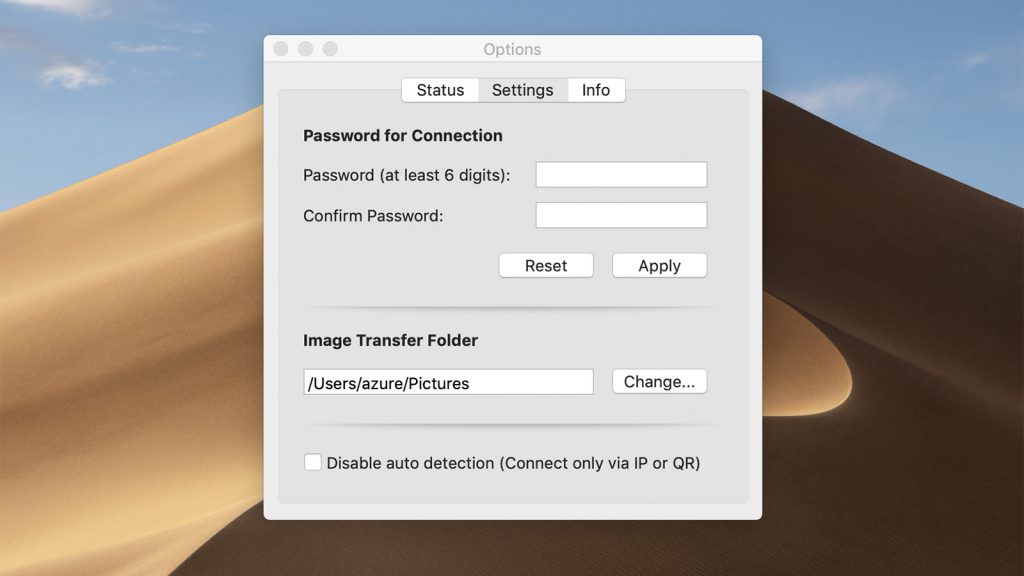
To prevent other Remote Mouse users on the same Wi-Fi network from connecting to your computer without permission, you can set a connection password on the Remote Mouse desktop client.
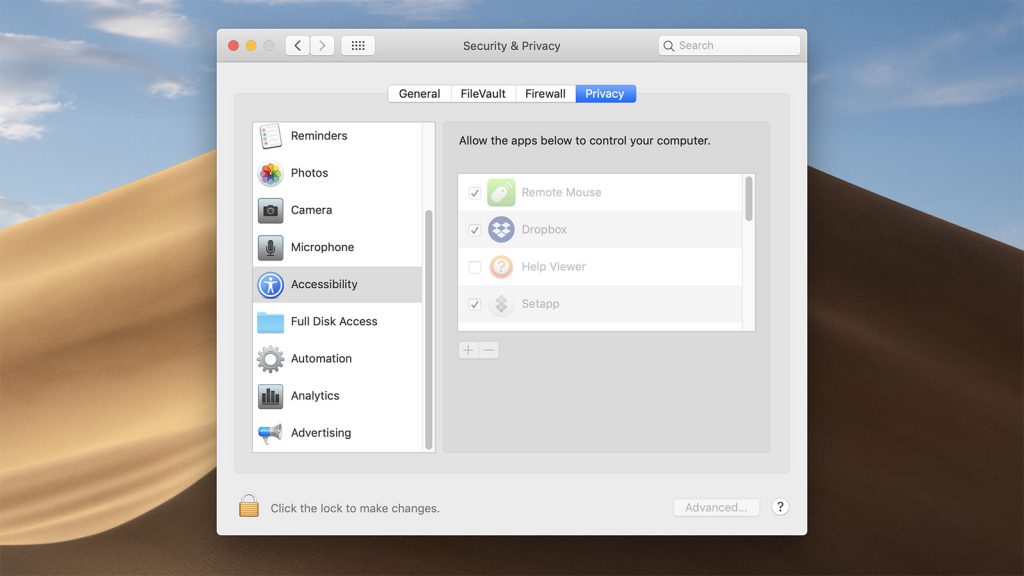
Since macOS Mojave, the system starts to require authorization when using Remote Mouse or a specific feature for the first time, which is similar to how you authorize an app on your iPhone. Without proper authorization, Remote Mouse will not be able to work properly.
Continue reading »