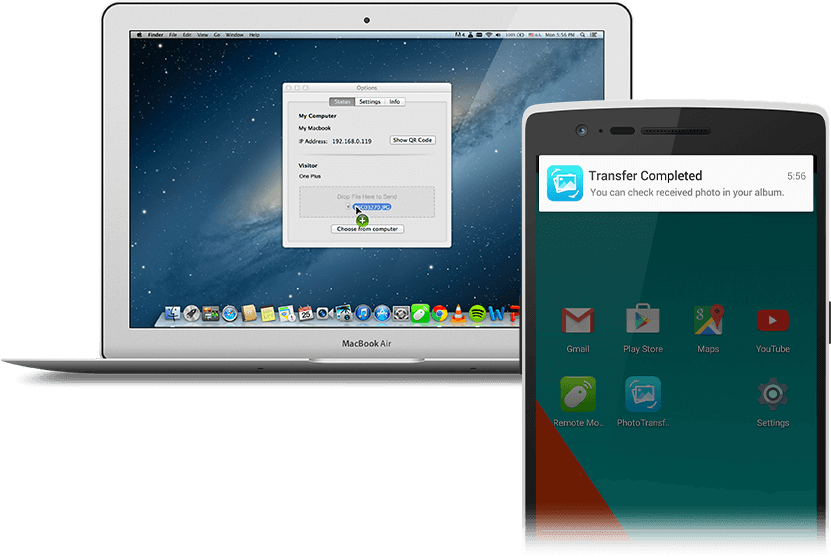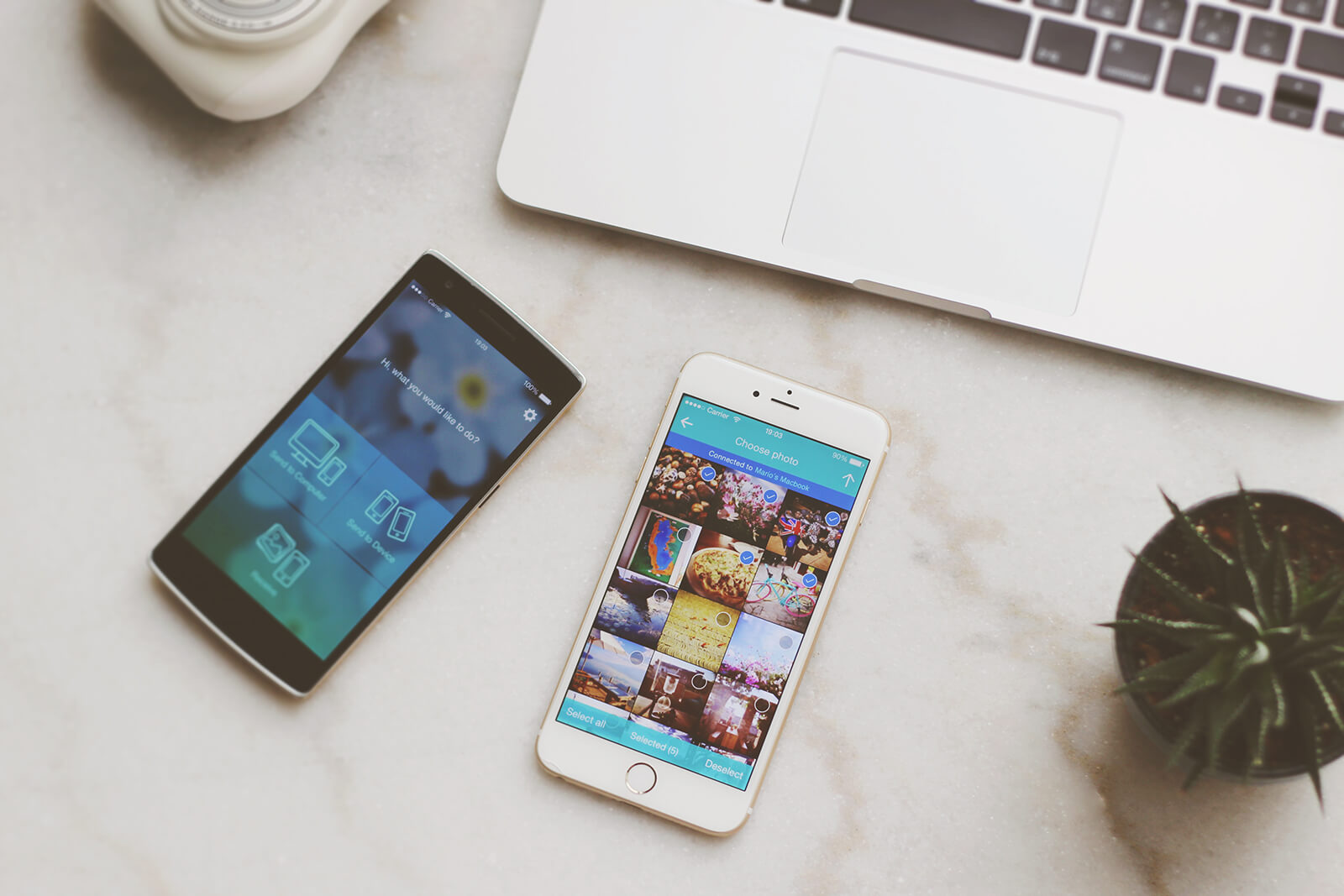
Easily Copy, Share and Backup
Fast and wirelessly transfer pictures among iPhone, Android, Mac and PC
Get Photo TransferGet Photo Transfer on your mobile devices
iPhoneAndroidAndroid (.apk)Install the Remote Mouse desktop app on your computer
MacMac (.dmg)WindowsConnect your mobile devices / computer to the same Wi-Fi, or mobile device's personal hotspot. The transfer process won't consume any mobile data.
How to use?
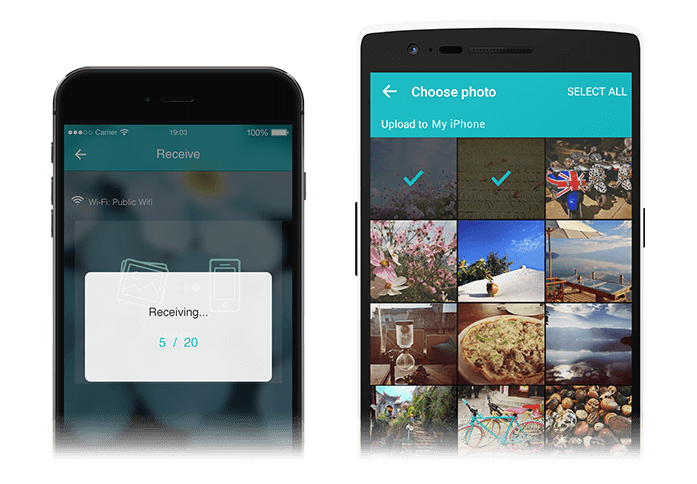
Transfer Between Mobile Devices
1. Get Photo Transfer on both devices
2. Connect them to the same Wi-Fi
3. Open the app. Choose Send in one device, and choose Receive in the other
Get Photo Transfer
Get Photo Transfer on your mobile devices
iPhoneAndroidAndroid (.apk)Install the Remote Mouse desktop app on your computer
MacMac (.dmg)WindowsConnect your mobile devices / computer to the same Wi-Fi, or mobile device's personal hotspot. The transfer process won't consume any mobile data.
Transfer Between Computer and Mobile Device
1. Get Photo Transfer on your mobile device
2. Install the Remote Mouse desktop app on your computer
3. Connect them to the same Wi-Fi
4. Open the app. Choose Send / Receive on your mobile device
5. To send pictures from computer, open Remote Mouse by clicking the app icon on taskbar, then select pictures in the app window
Get Photo Transfer
Get Photo Transfer on your mobile devices
iPhoneAndroidAndroid (.apk)Install the Remote Mouse desktop app on your computer
MacMac (.dmg)WindowsConnect your mobile devices / computer to the same Wi-Fi, or mobile device's personal hotspot. The transfer process won't consume any mobile data.